How Much Setup Does Free60 Require?
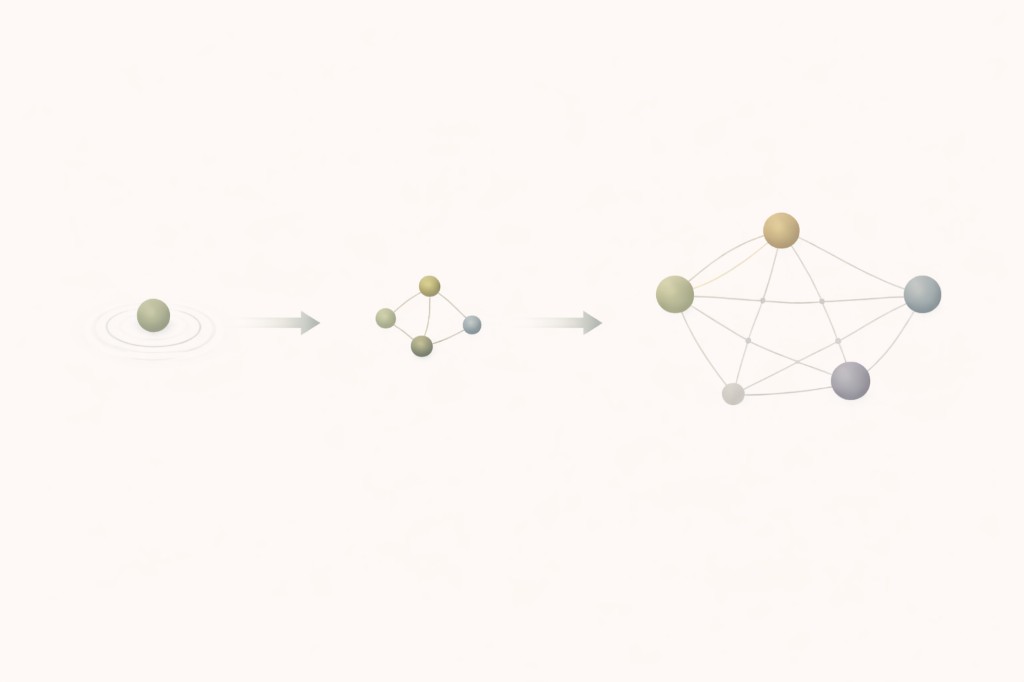
Minimum: 1 tap. Connect Apple Health or Health Connect, and seven automated Health KPIs on Sleep, Activity, and Load start calculating when wearable data exists. Full Health (including Nutrition and Care), plus Wealth and Capacity, adds structured setup you can spread over days. You do not have to activate all dimensions at once.
What does the Health dimension require?
One tap. When you open Free60 for the first time, the app requests read access to Apple HealthKit. You approve the permission, and the Health dimension begins working immediately.
For Sleep, Activity, and Load, Free60 reads heart rate, HRV, sleep sessions, step count, exercise minutes, and resting heart rate from Apple Health (iOS) or Health Connect (Android). Those feeds power seven automated KPIs across three levers:
- Sleep: Consistency, Quality, Efficiency (3 KPIs)
- Activity: Sufficiency, Distribution (2 KPIs)
- Load: Autonomic Balance, Strain Trend (2 KPIs)
If your Apple Watch has been recording data for at least 7 days, your first scores appear within minutes of connecting. No calibration period. No manual baseline entry. The system reads historical HealthKit data and calculates rolling windows from existing records.
Nutrition and Care need short structured configuration and periodic updates (targets, protein check-ins, screening and loop status). They are still under the Health dimension.
Ongoing effort: passive for automated vitals; brief touches when Nutrition or Care data is due.
Requirement: a wearable feeding Apple Health or Health Connect for automated Sleep, Activity, and Load KPIs. Without that, those seven KPIs stay empty; Nutrition and Care can still be used. The other two dimensions (Wealth and Capacity) work independently.
What does the Wealth dimension require?
Initial setup: 10 to 15 minutes. The Wealth dimension measures financial structural stability: spending patterns, income diversification, savings rate, liquid buffer, investment allocation, and obligation load.
You enter financial data in the Free60 app (optional Wealth Tracker sheet if you prefer to model outside the app). Typical initial setup involves:
- Monthly expenses: Enter your major expense categories and approximate amounts. Free60 uses categories (housing, transport, food, subscriptions, discretionary) rather than transaction-level detail. You do not need to connect a bank account.
- Income sources: Enter each income source and its monthly amount. This measures diversification, not just total income.
- Liquid assets: Enter the total value of your immediately accessible savings (checking, savings, money market). This feeds the liquid buffer KPI.
- Investment contributions: Enter your monthly investment amount and general allocation (stocks, bonds, real estate, etc.). This feeds the wealth accumulation KPIs.
- Financial obligations: Enter fixed obligations (rent/mortgage, loan payments, insurance). This feeds the obligation ratio KPI.
Ongoing effort: change-driven or monthly review, usually a few minutes when something material shifts. Broker linking and fast expense capture reduce re-keying where enabled.
What does the Capacity dimension require?
Capacity covers priorities, focus, schedule, buffer, and routine in one dimension. Expect roughly 5 to 10 minutes of initial setup: commitment list, focus targets, calendar category mapping for schedule drift, and any boundary definitions you track.
With calendar connected, Free60 derives schedule allocation and buffer signals from events. Routine uses recurring anchors when they exist; execution-friction fields stay short manual check-ins. Priorities and Focus use the OS modules on their lever pages.
The design principle: setup under 10 minutes per dimension for most users, and ongoing updates in small batches unless your life structure changes. Daily logging across dozens of fields is not the default path.
Do I have to set up everything on day one?
No. This is a deliberate architectural decision. Each dimension operates independently. Your Freedom Index adjusts to reflect only the dimensions you have activated.
The recommended path:
- Start with Health. One tap. Zero friction. Scores appear in minutes. This gives you immediate value and a feel for how the diagnostic works.
- Add Wealth when ready. The financial setup takes 10 to 15 minutes but only needs to happen once. After that, 5 minutes per month.
- Add Capacity when ready. Connect calendar if you want automated schedule and buffer signals, then configure priorities and focus. Most people need 5 to 10 minutes.
There is no penalty for partial activation. If you only run Health and Wealth, your Freedom Index reflects those two dimensions accurately. Adding a third dimension later does not invalidate your historical scores.
What is the total time investment?
Here is the honest breakdown:
Initial setup (one-time):
- Health: 1 minute (HealthKit / Health Connect permission) plus a few minutes if you turn on Nutrition and Care
- Wealth: 10 to 15 minutes (financial structure in app)
- Capacity: 5 to 10 minutes (calendar + priorities + focus)
- Total (all 3 dimensions): roughly 20 to 35 minutes spread as you like
Ongoing maintenance:
- Health: passive for vitals; brief periodic updates for Nutrition and Care when due
- Wealth: a few minutes when finances change or on your review cadence
- Capacity: mostly calendar-driven; short weekly touches for focus, priorities, and routine residuals
If you activate only automated Health levers, ongoing effort is minimal. Adding Wealth, Capacity, Nutrition, or Care increases touch time in small, intentional bursts. Quick Actions on Home surface what needs attention so maintenance does not turn into a second job.
What if I stop updating a dimension?
Free60 handles stale data explicitly. If a manual dimension has not been updated within its expected window (for example, Wealth has not been updated in 6 weeks), the system flags it as insufficient data. The KPI scores for that dimension pause rather than degrade. Your Freedom Index recalculates based on dimensions with current data.
This prevents a common failure mode in tracking apps: guilt from missed entries. Free60 does not punish you for not logging. It flags that the data is stale and continues measuring what it can. When you update, the scores resume. There is no streak to break because there is no streak.
What does the first week look like?
Day 1: Install Free60. Connect HealthKit (1 tap). If you have 7+ days of Apple Watch history, your first Health scores appear within minutes. Browse the Health dimension: see Sleep, Activity, and Load scores.
Day 2 to 3: If interested, set up Wealth. Enter your financial data (10 to 15 minutes). Wealth KPI scores appear immediately after entry.
Day 4 to 7: Optionally configure Capacity (calendar + priorities + focus), 5 to 10 minutes. By the end of the first week you can have all three dimensions contributing to your Freedom Index.
Or, you can run only Health for six months and never touch the other dimensions. The system is designed for both approaches.
Common questions
Do I have to set up all 3 dimensions?
No. Each dimension is independent. You can start with Health only (1 tap to connect Apple Health or Health Connect) and add Wealth or Capacity whenever you want. Your Freedom Index adjusts to reflect only the dimensions you have activated. There is no penalty for starting with one dimension.
How long does the monthly update take?
Wealth updates are change-driven or monthly, usually a few minutes when figures move. Capacity updates are mostly calendar-backed plus short manual fields on their cadence. Automated Health KPIs refresh from wearables; Nutrition and Care need periodic input when you use those levers.
What if I only care about Health?
Connect HealthKit or Health Connect for automated Sleep, Activity, and Load when a wearable supplies data. Add Nutrition and Care if you want those levers scored. Your Freedom Index reflects the Health dimension (and scales if you activate only Health). You can add Wealth or Capacity later.
FREE60 is available now on the App Store. 14-day free trial included.
Download on the App Store